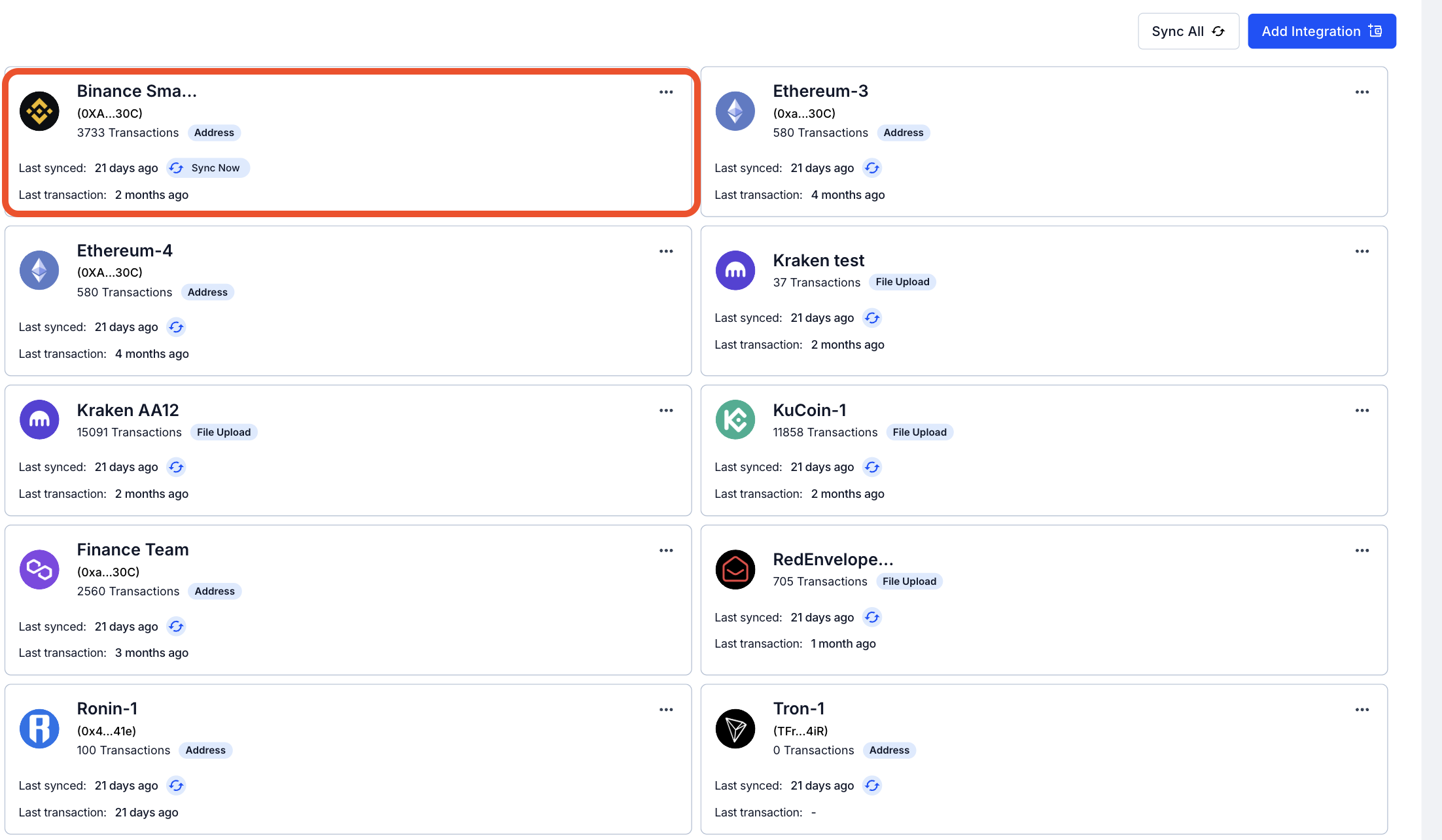
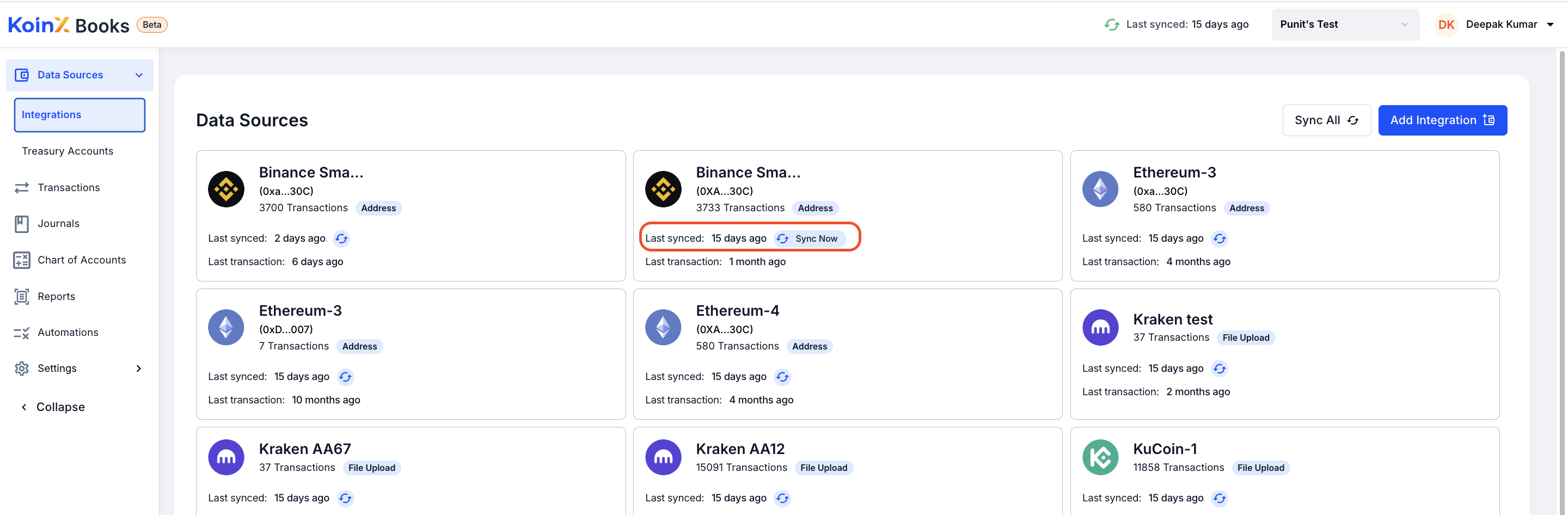
Syncing an Individual Wallet or Integration
If you’ve linked multiple blockchains and wallets to your KoinX account, you can choose to sync them individually. To do this:Go to the Integrations Tab
From the main dashboard of KoinX Books, navigate to the Integrations tab.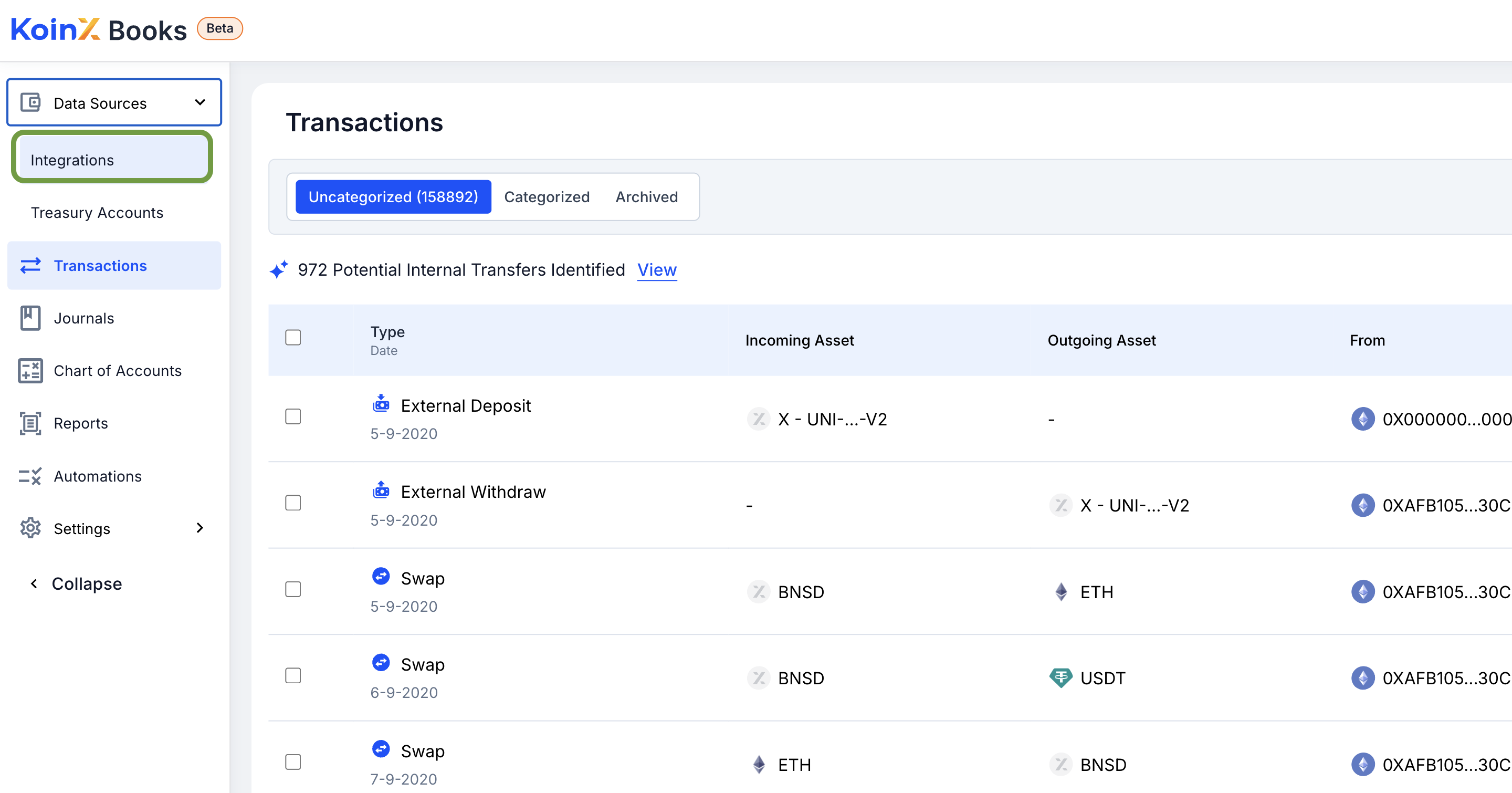
Find the Integration
Locate the specific exchange or blockchain wallet integration you want to update.