
AI Summary
- One plan upgrade unlocks all reports for that financial year, no extra charge per report
- You can edit transactions and regenerate reports unlimited times after upgrading, at no additional cost
- Each financial year requires a separate plan purchase
- You can see your tax breakdown in percentages before upgrading, but exact taxable amounts are locked until you pay
- Reports remain accessible permanently after purchase
- Payment methods include UPI, cards, net banking, and international options
What Does Upgrading My Plan Unlock?
When you upgrade your KoinX plan for a financial year, you get:How Pricing Works
KoinX plans are based on transaction volume. The more transactions you have in a financial year, the higher the plan tier. If your transaction count exceeds your current plan’s limit after you have already purchased:- KoinX shows you the difference amount needed to upgrade
- You pay only the difference, not the full price of the higher tier
- Once paid, you are on the higher tier for that financial year
Do I Pay Separately for Each Financial Year?
Yes. Tax reports are financial year-specific. FY 2024-25 and FY 2025-26 require separate plan purchases. Each year’s plan gives you unlimited access to all reports for that year.Can I See My Tax Summary Before Paying?
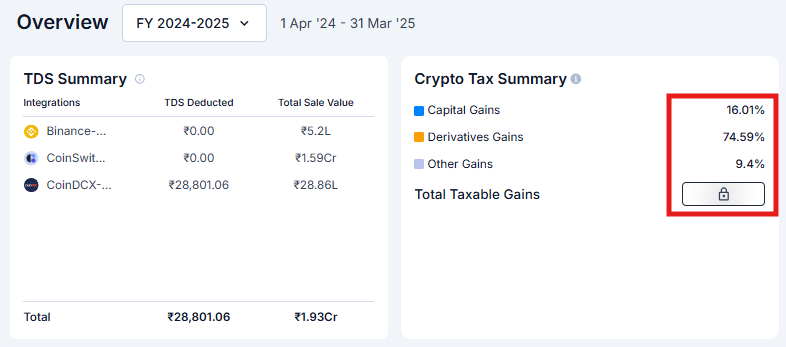
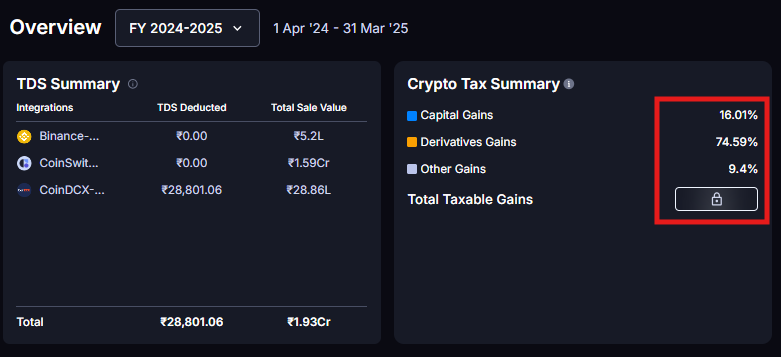
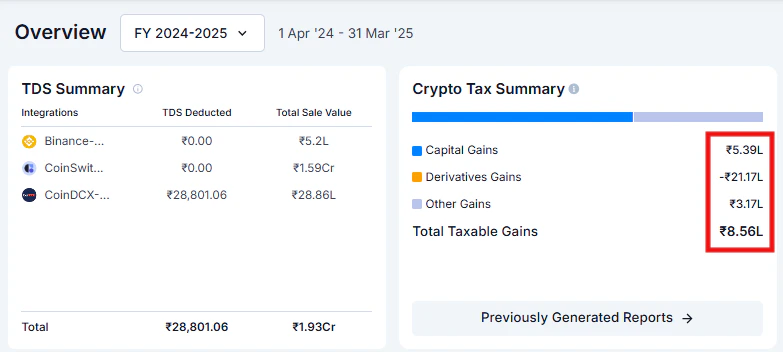
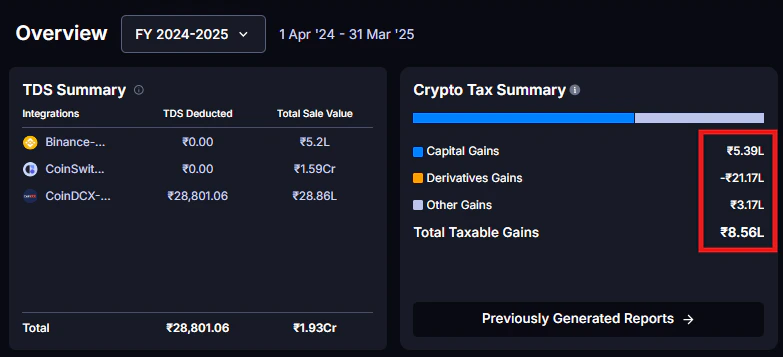
Yes, partially. Before upgrading you can see:- TDS Summary (for Indian users)
-
Crypto Tax Summary showing Capital Gains %, Derivatives Gains %, and Other Gains % as percentage breakdowns
- Realised Gains/Losses by coins, category, and wallets on the Insights page
- Monthly breakdown of gains and losses on the Insights page
-
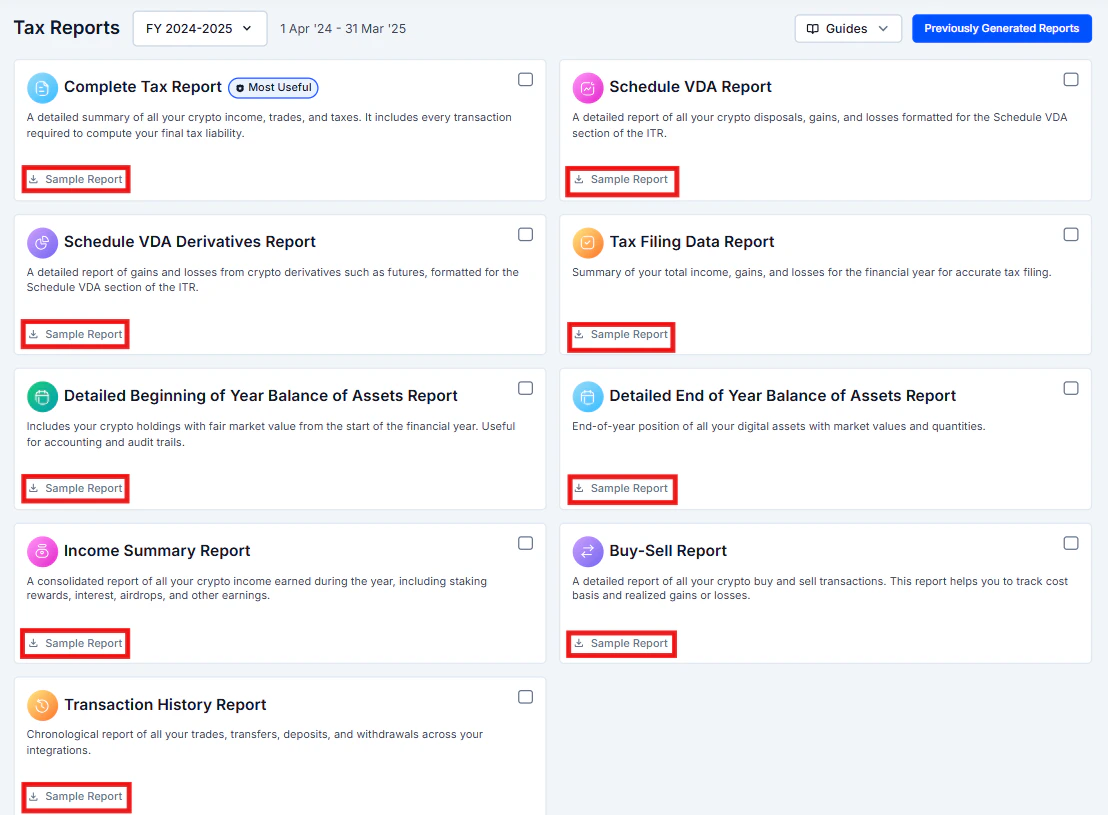
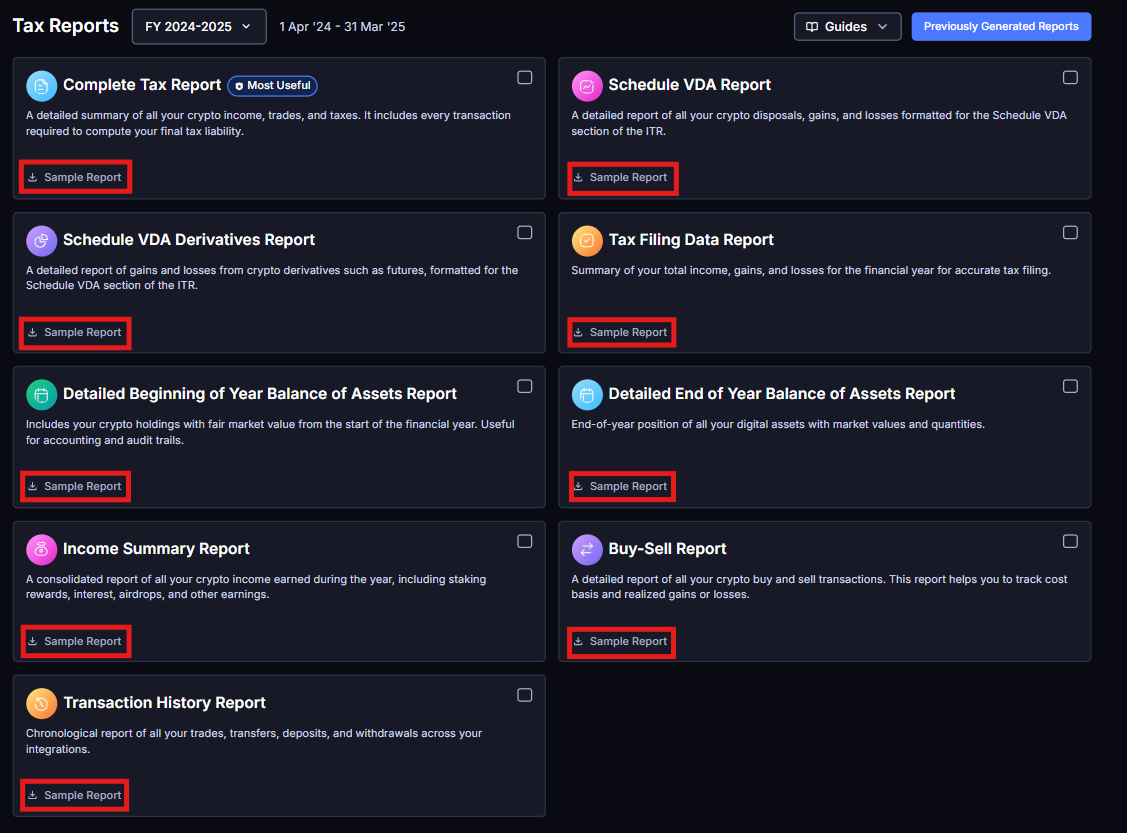
Sample reports for every report type (look for the “Sample Report” link)
-
The exact taxable amounts in numbers
What If I Edit Transactions After Paying?
No problem. This is one of KoinX’s most useful features.1
Upgrade and generate your reports
Purchase the plan and generate your initial reports.
2
Spot an error
You notice a transaction was miscategorised or is missing.
3
Fix it
Correct the transaction in the Transactions page.
4
Regenerate
Go back to Tax Reports and regenerate. No additional payment required.
Payment Methods
For Indian users: UPI (GPay, PhonePe, Paytm, etc.), credit and debit cards, net banking, and wallets. For international users: Credit and debit cards (Visa, Mastercard, Amex). International payment methods vary by region. All payments are processed through secure payment gateways. KoinX does not store your card details.Troubleshooting Payment Issues
Payment went through but reports are still locked
Payment went through but reports are still locked
Wait 2-3 minutes and refresh the page. Sometimes it takes a moment to sync. Check your email for a payment confirmation. If reports are still locked after 15 minutes, contact support with your payment receipt.
Payment failed but money was deducted
Payment failed but money was deducted
This is usually a bank hold, not an actual charge. The amount typically auto-refunds within 5-7 business days. If it does not, contact your bank first, then KoinX support with the transaction details.
I want a refund
I want a refund
Contact KoinX support with your payment details and reason. Support will guide you through the process.
Frequently Asked Questions
What payment methods are available?
What payment methods are available?
Indian users can pay via UPI, cards, net banking, and wallets. International users can use credit and debit cards. All payments are processed through secure payment gateways.
How many times can I download my reports after paying?
How many times can I download my reports after paying?
Unlimited. Download each report as many times as you want. There is no cap.
Can I view my exact taxable amount before upgrading?
Can I view my exact taxable amount before upgrading?
No. Before upgrading you can only see the percentage breakdown of your gains. The exact taxable amounts in numbers are locked until you purchase a plan for that financial year.
Does my payment expire?
Does my payment expire?
No. Your payment is valid permanently for that specific financial year. Come back in two years and your FY 2024-25 reports will still be accessible and downloadable.
Do I get a receipt or invoice for my payment?
Do I get a receipt or invoice for my payment?
Yes. KoinX sends a payment confirmation to your registered email. You can also find it in your Billings and Invoice page.
Do I need to pay again if I change my accounting method?
Do I need to pay again if I change my accounting method?
No. Once you have purchased a plan for a financial year, you can change settings and regenerate reports unlimited times with no additional payment.