
AI Summary
- Dual taxation occurs when two countries claim the right to tax the same income, often because one taxes residents on worldwide income while another taxes income earned within its borders
- Many countries have Double Taxation Avoidance Agreements (DTAAs) that reduce or eliminate double taxation through exemptions, foreign tax credits, or reduced rates
- Crypto activity commonly crosses borders, so you may need to report income in more than one jurisdiction
- KoinX generates country-specific reports one at a time; each country requires a separate payment and a report regeneration after switching the tax country
- Consult a qualified tax professional for advice specific to your situation
How Dual Taxation Arises
Countries follow different tax principles when deciding who they can tax. Residence-based taxation: Some countries tax residents on their worldwide income, regardless of where it was earned. Source-based taxation: Other countries tax income earned within their borders, even if the person lives somewhere else. When both rules apply to the same income, it can potentially be taxed twice.How Countries Reduce Double Taxation
To prevent people from paying tax twice, many countries sign agreements called Double Taxation Avoidance Agreements (DTAAs). These agreements determine which country has the primary right to tax certain types of income. Depending on the treaty, this may happen through tax exemption (one country exempts the income from tax), foreign tax credit (tax paid in one country reduces the tax payable in another), or reduced tax rates (certain income types are taxed at a lower treaty rate). In most cases, these benefits must be claimed while filing your tax return, often with documentation like a Tax Residency Certificate (TRC).Why Dual Taxation Matters for Crypto Users
Crypto activity often crosses borders. For example, you may live in one country, trade on exchanges located in another, and earn staking or DeFi rewards globally. In these cases, you may need to report crypto income in more than one country. This could involve filing tax returns in multiple jurisdictions, applying DTAA benefits to avoid double taxation, and providing documentation when claiming tax credits or exemptions.How KoinX Handles Tax Reports for Multiple Countries
KoinX generates country-specific tax reports based on the country selected in your Tax Settings. A few important things to know: tax reports are generated for one country at a time, each country’s report requires a separate payment, changing the country does not automatically generate a new report, and you must regenerate the report after switching the tax country. This ensures that the report follows the correct tax rules and reporting format for that country.Generating Reports for Multiple Countries
If you need to file crypto taxes in more than one country (for example India and the UK), you can generate reports separately for each.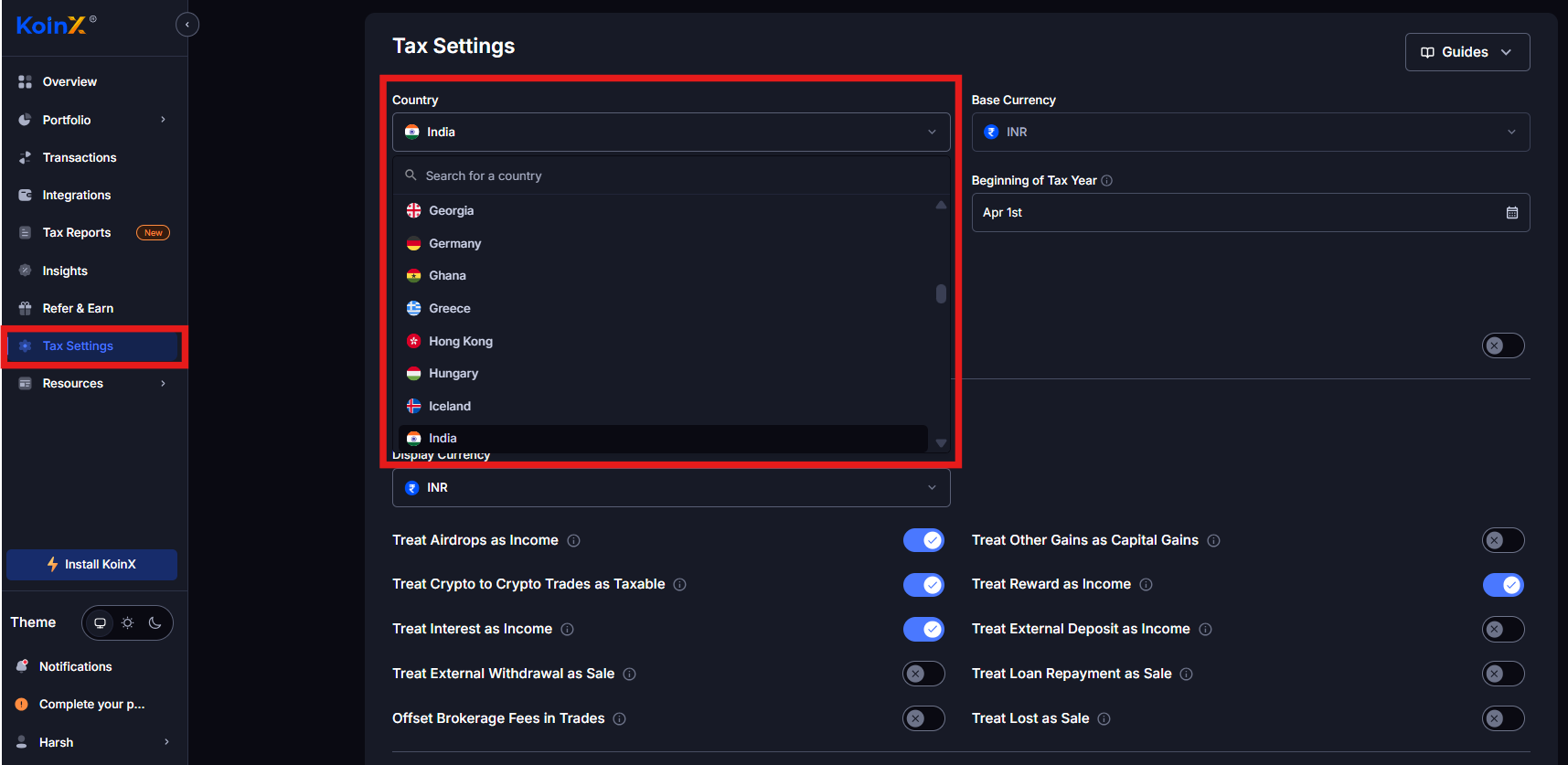
1
Generate the report for the first country
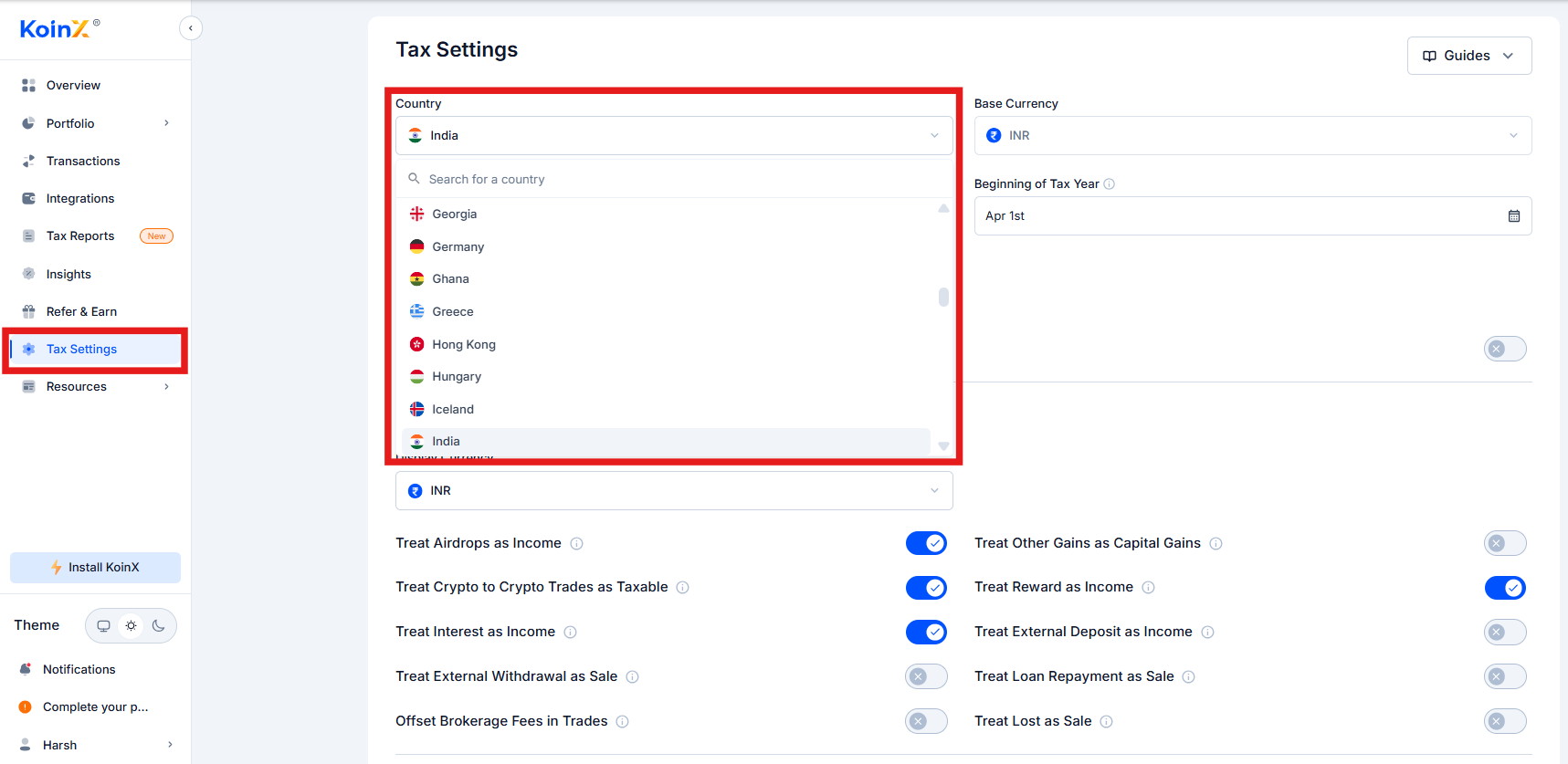
Go to Tax Settings and select your Tax Country (for example, India). Review your tax settings, then go to Tax Reports, select the financial year and report type, and complete the payment. The report will be generated and sent to your registered email address.
2
Generate the report for another country
Return to Tax Settings and change the Tax Country (for example UK, US, or Germany). Go back to Tax Reports, select the same financial year if applicable, and complete the payment. The report will be generated and sent to your email.
3
Access your reports
All generated reports will appear in the Previously Generated Reports section. You can download them any time and use them for filing in the respective countries.